ADDING QUESTIONS
This page would explain how to add / remove / edit quiz questions.

Hi.
A large number of questions are added to the database. Then for each time the game is played, the computer would select randomly.
The admin can add or modify questions at will. This is how to go about it.
Step 1. When you`re logged in as an administrator, you have the button labelled QUESTIONS. Click it
.jpg)
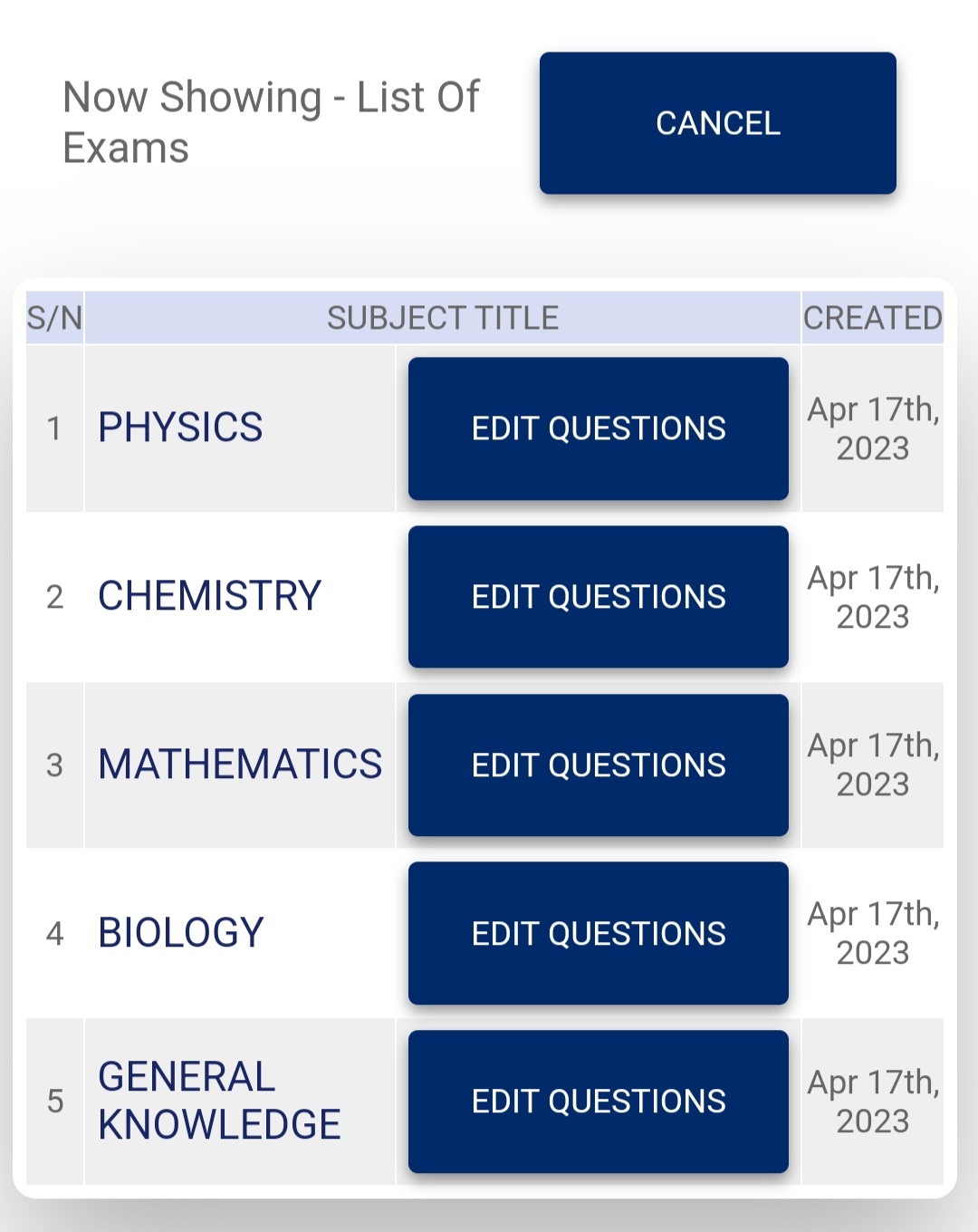
Step 2. Select the subject which you would like to work on. You have Maths, Physics, Chemistry, Biology and General Knowledge.
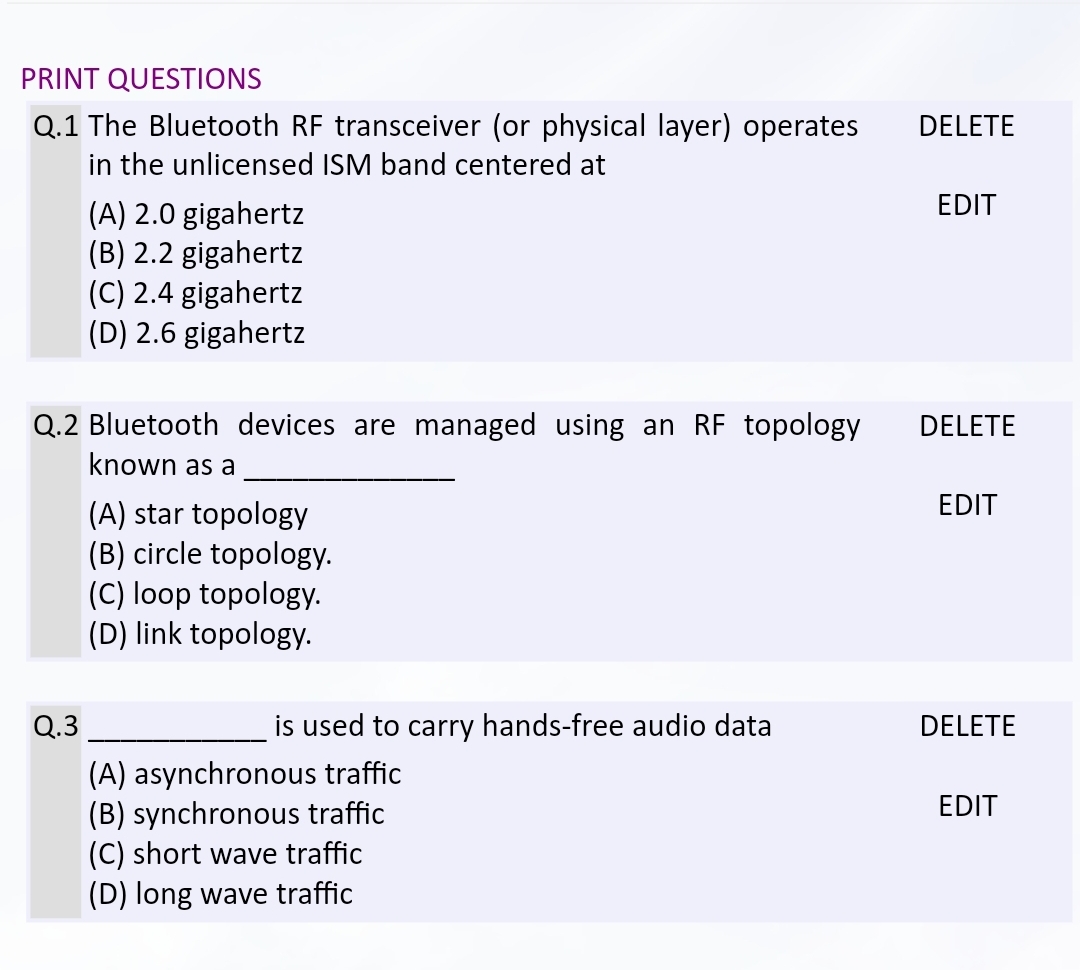
Step 3. The existing questions appear on the left.....
...while the form used to add questions would appear on the right.
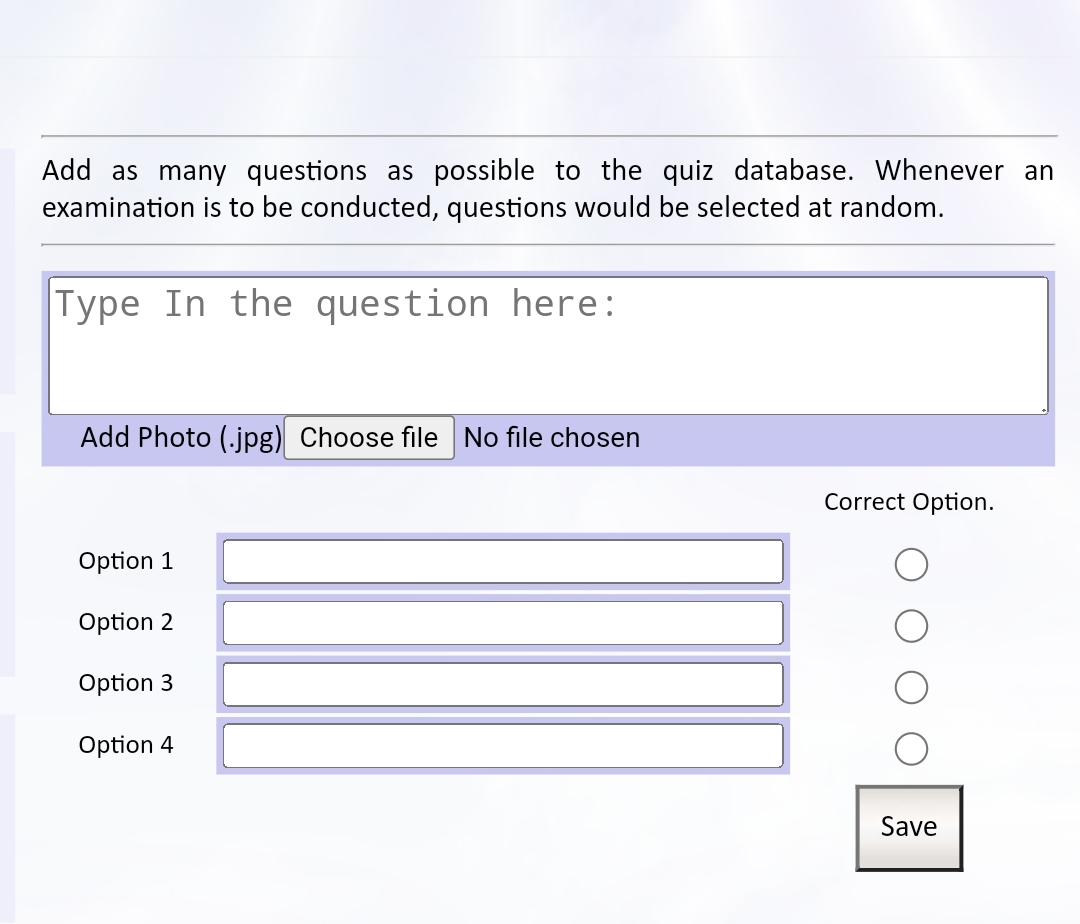
Type the question, type options, then select the correct option. Then Save.
Step 4. The questions appears among those on the left. Repeat Step 3 until all the questions have been entered.