HOW TO RECEIVE PAYMENTS FROM A PROPERTY OWNER
By the end of this lesson, we would have learnt to receive payments from property owners registered on osrp.ng

Hi.
We have registered the property owners in our database. We have issued a demand notice. Now its time to receive payments.
STEP 1. Visit osrp.ng in the browser of your phone

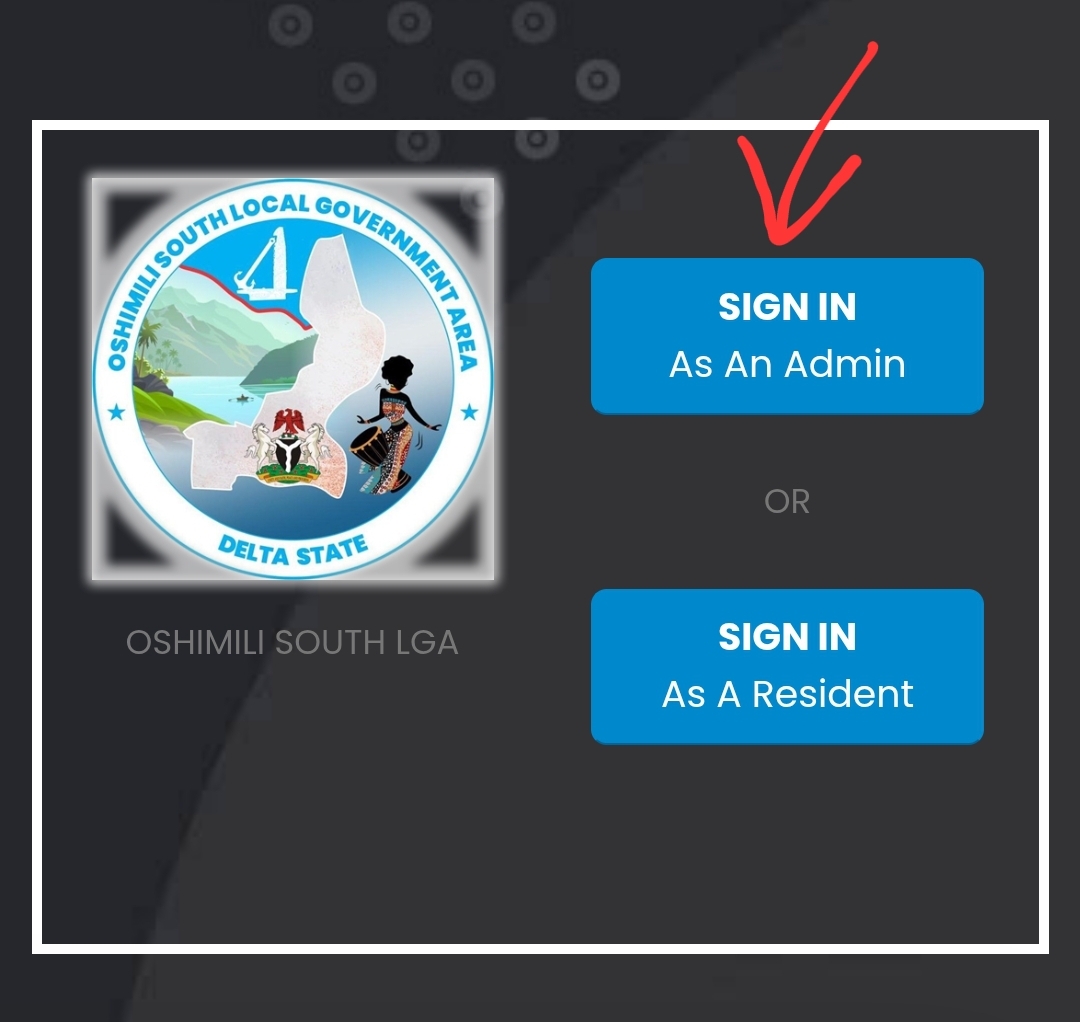
STEP 2. Click SIGN IN AS AN ADMIN
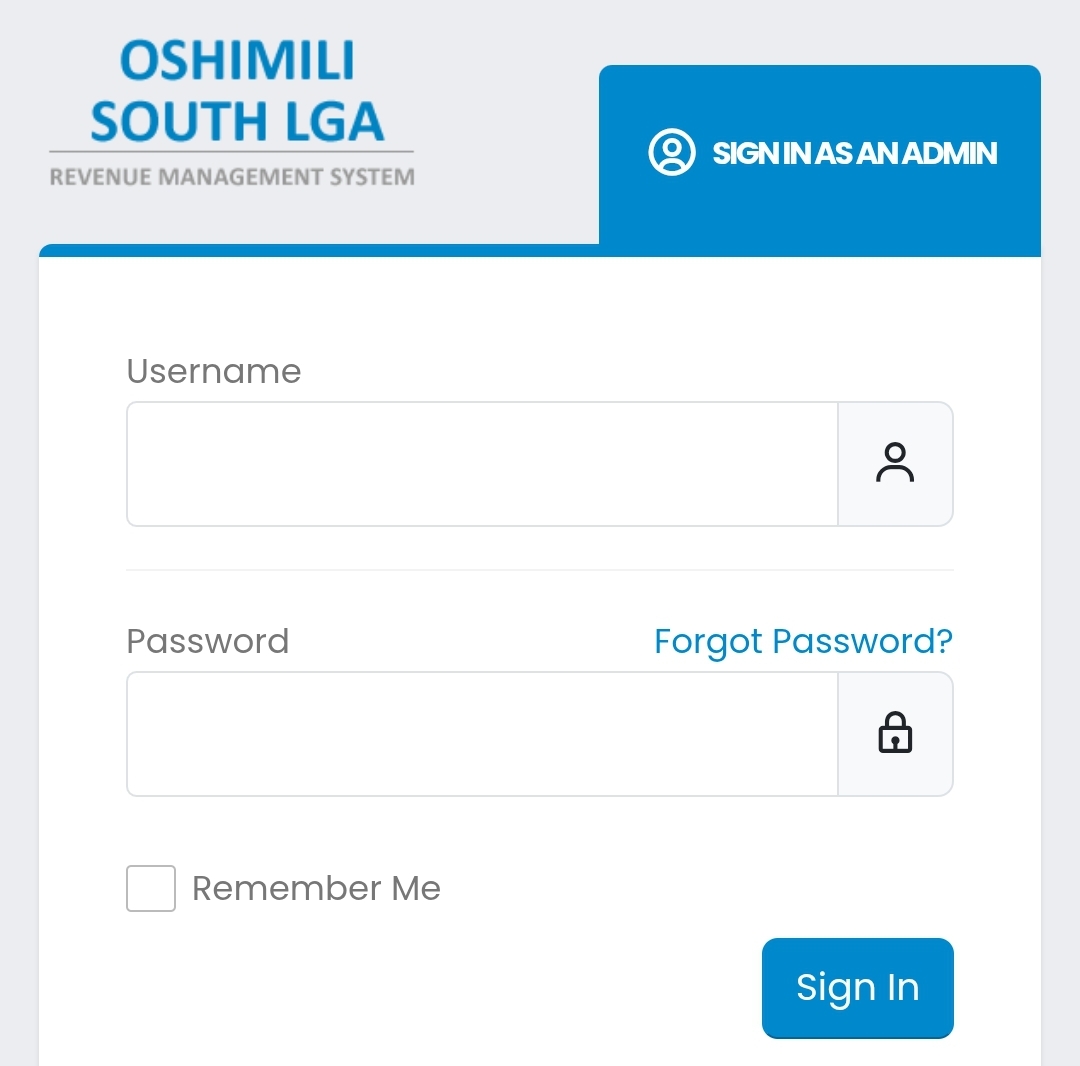
Type your username and password, To Log in with an account that has access level: TASKFORCE or ADMIN
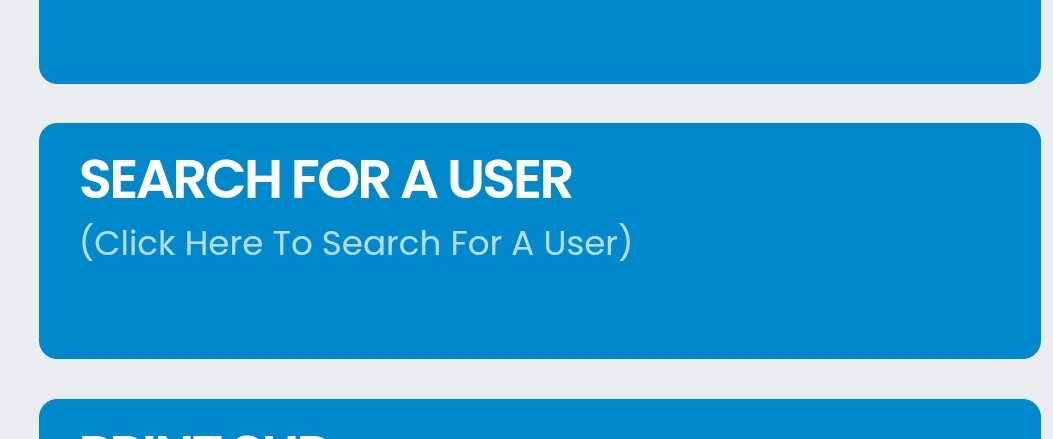
STEP 3. Click SEARCH FOR A USER
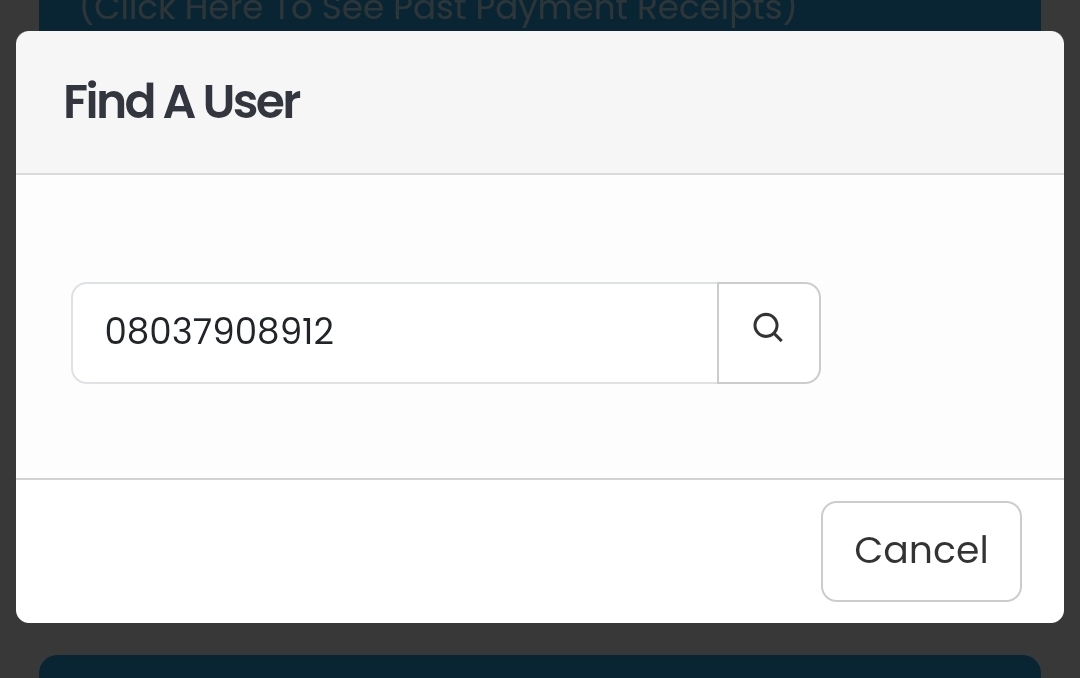
STEP 4. Type the phone number of the user. This should be the phone number that was used to create the property profile.
An alternative to STEP 3 AND 4....
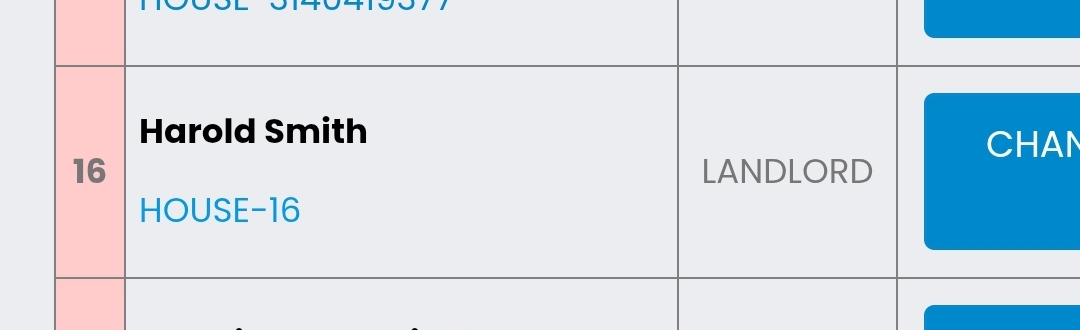
You can also click VIEW ALL USERS. A list of all the registered users would appear. Then you select the user that is about to pay, and his profile appears
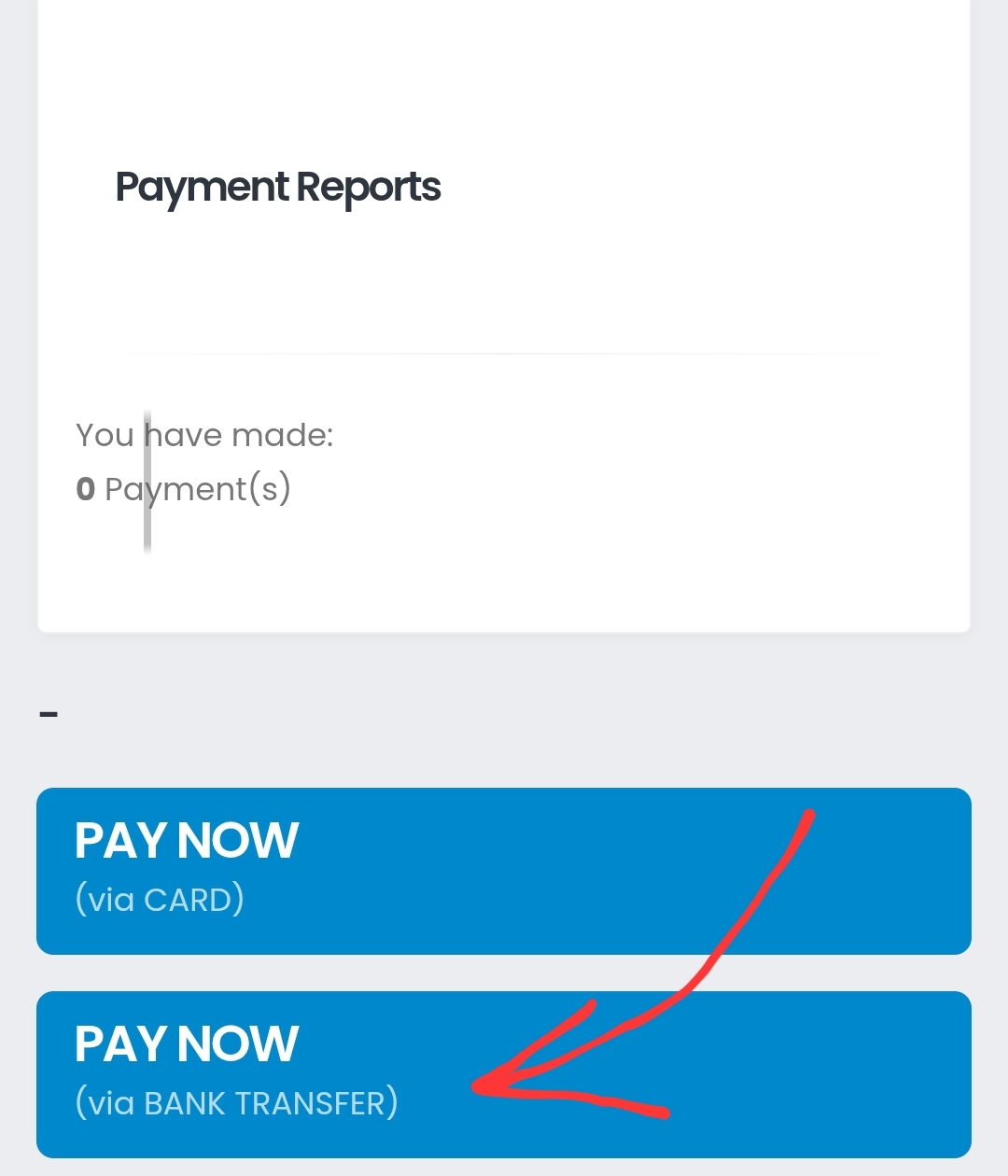
STEP 5. Scroll and select PAY VIA BANK TRANSFER
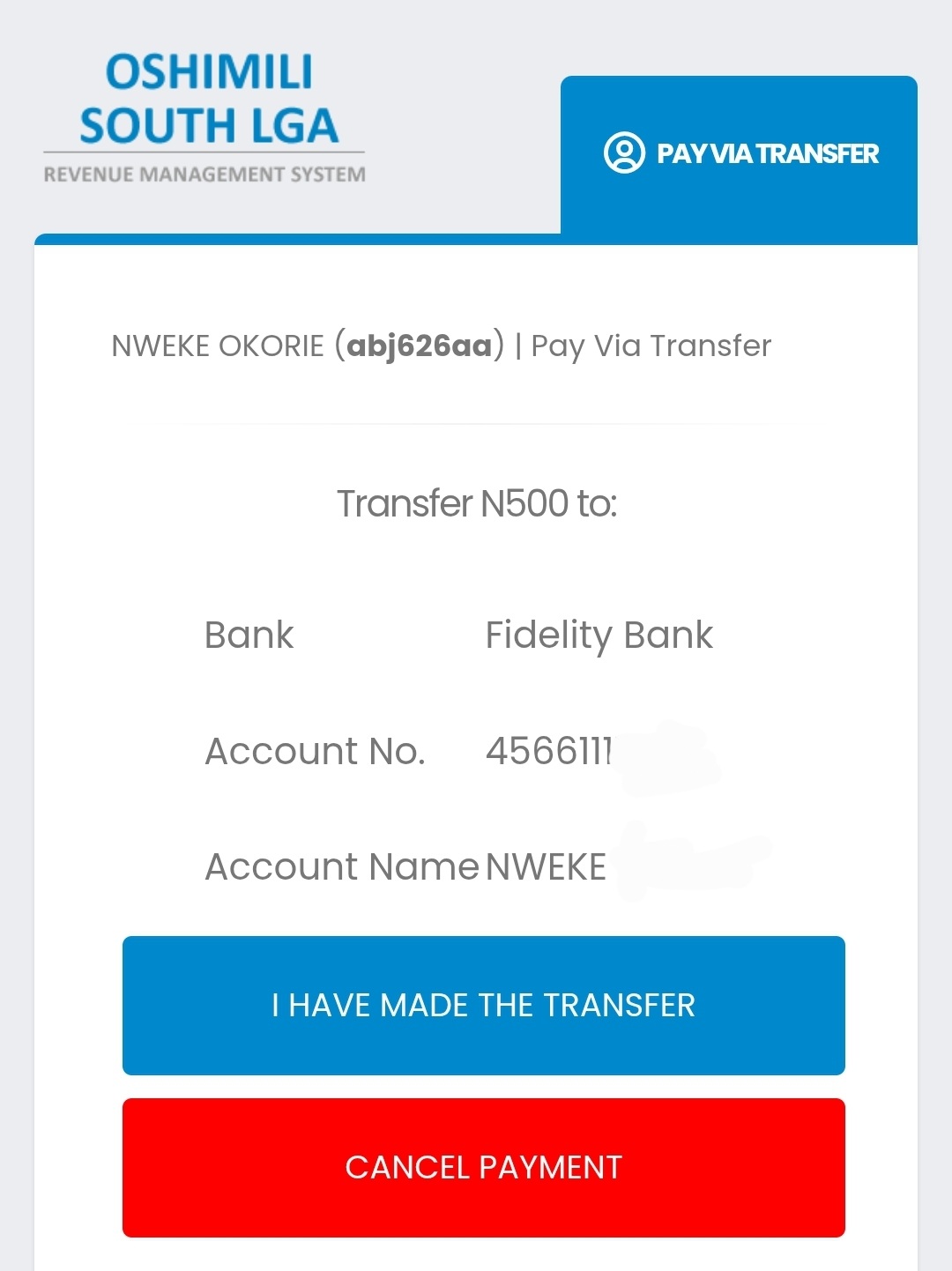
A virtual account number is created, and tied to every property. The landlord would transfer the amount stated to the account details that are displayed.
This payment appears in his payment history.