HOW TO CREATE A NEW PROPERTY PROFILE ON OSRP.NG
By the end of this lesson, we would have learnt how to create a property profile on osrp.ng

Hi.
So we are ready to enroll a new property/ building on osrp.ng. We got to the beginning of a street and it`s time to start adding the buildings to our database.
I shall walk you through the process. Ready? OK then...
STEP 1. Visit osrp.ng in the browser of your phone

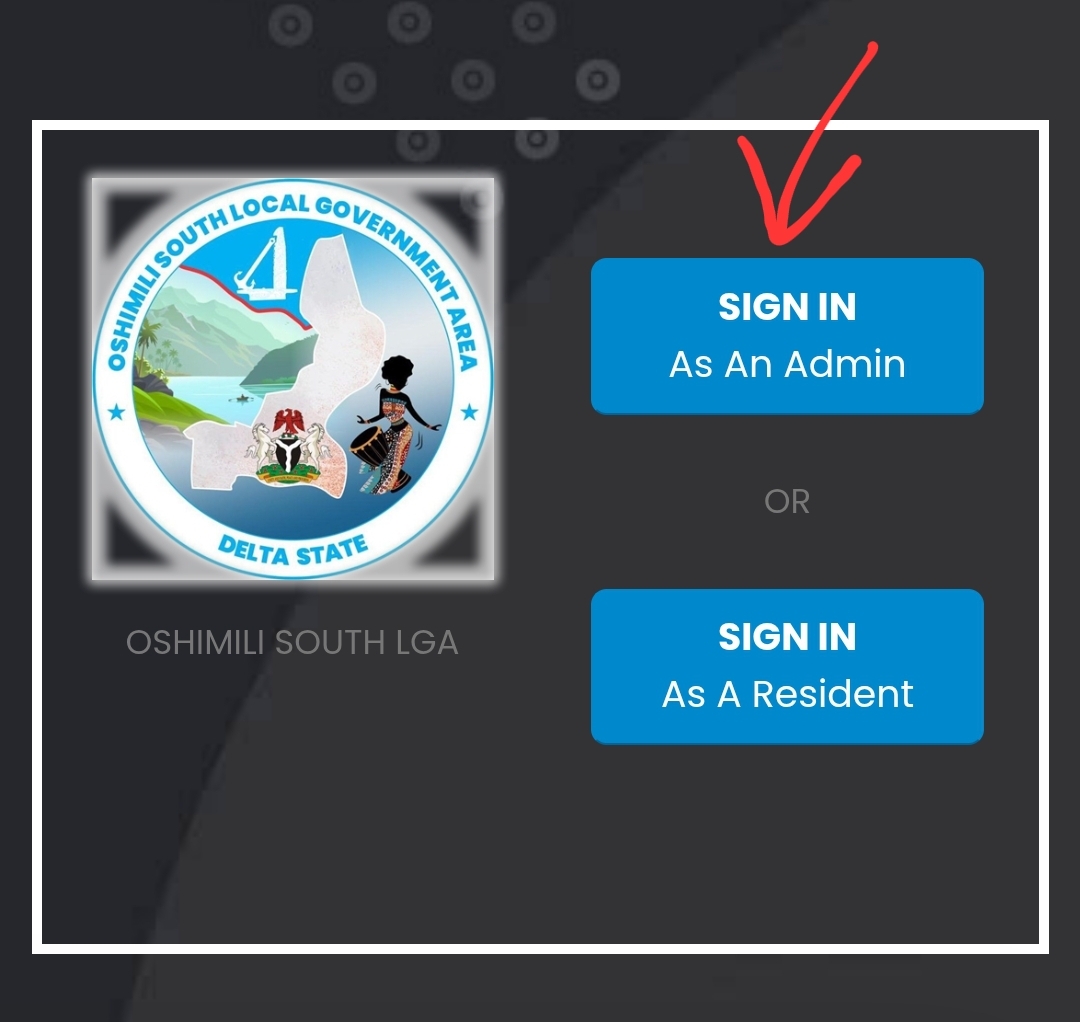
STEP 2. Click SIGN IN AS AN ADMIN
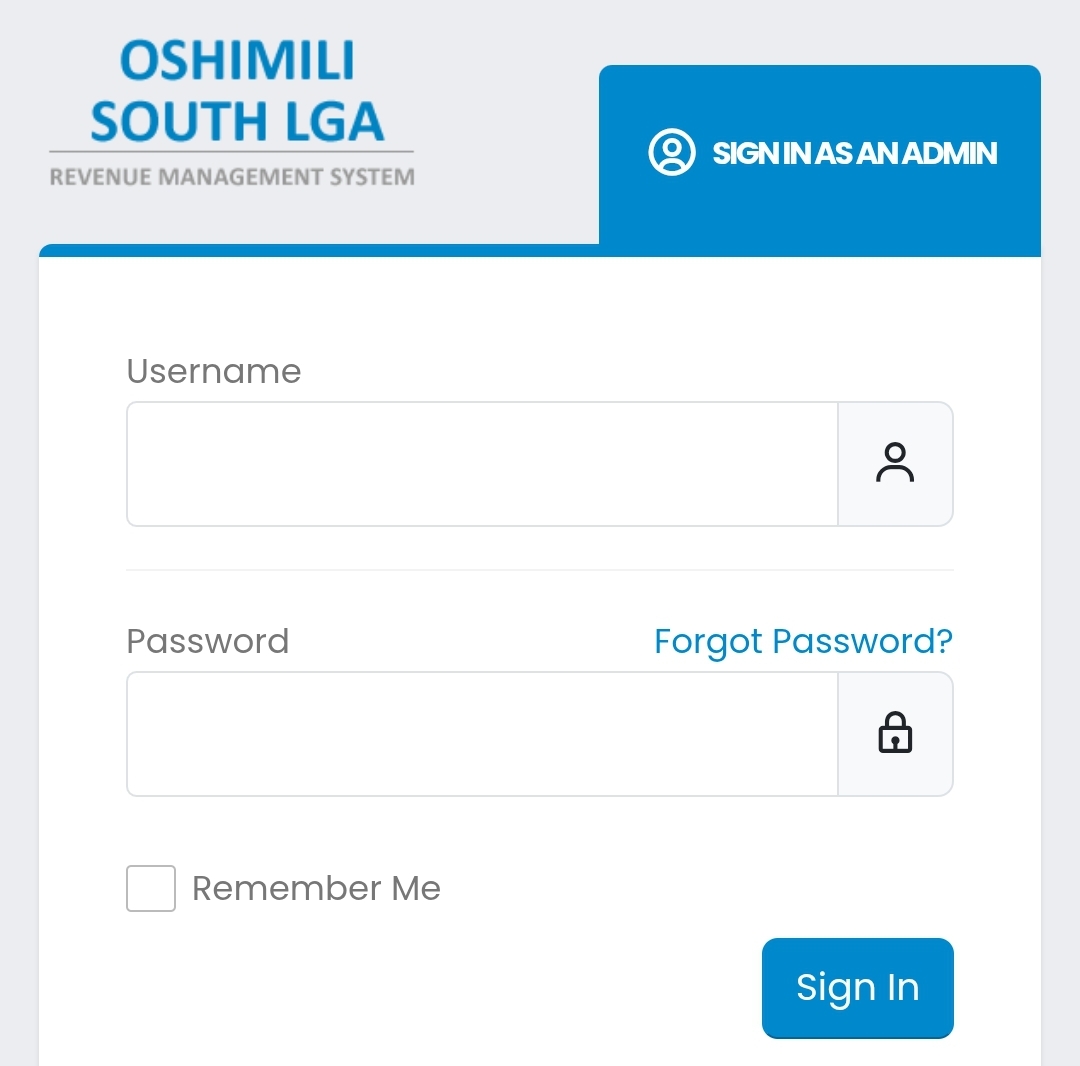
Type your username and password, To Log in with an account that has access level: TASKFORCE or ADMIN
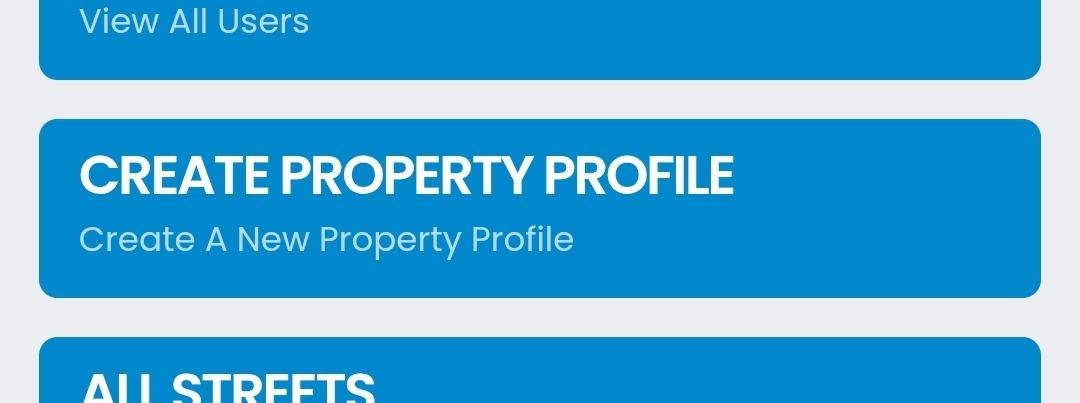
STEP 3. Click CREATE A NEW PROPERTY PROFILE
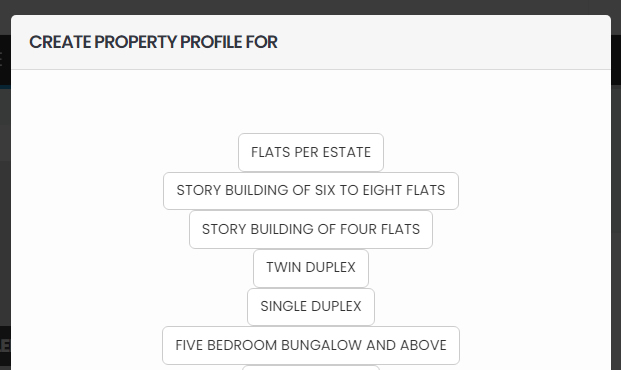
A pop up would appear. Select The type of building that we are onboarding
STEP 4. Fill the form. Indicate the type of buildings, number of buildings, etc
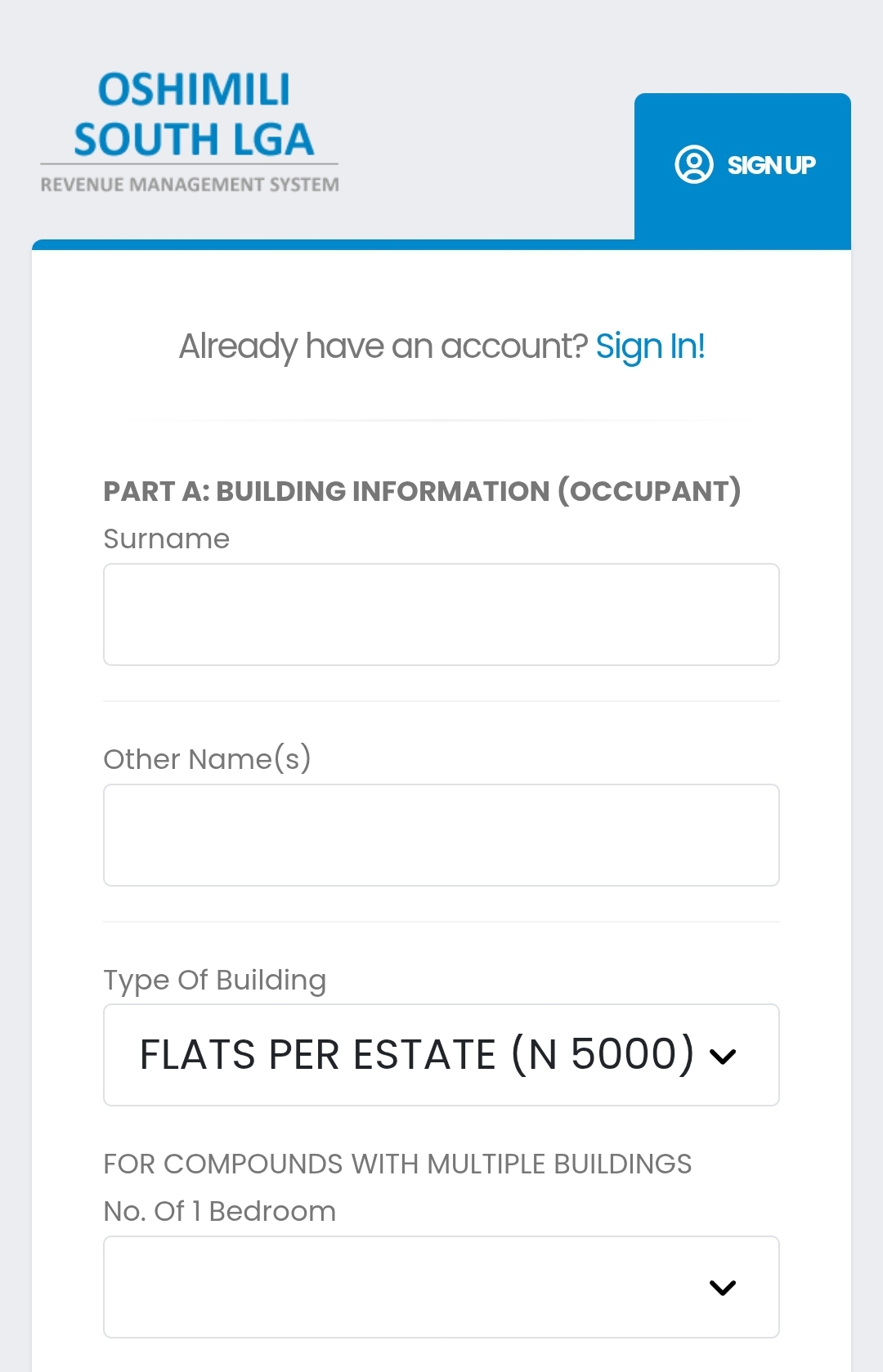
Submit the form
STEP 5. On the next page, Upload a photo of the building.
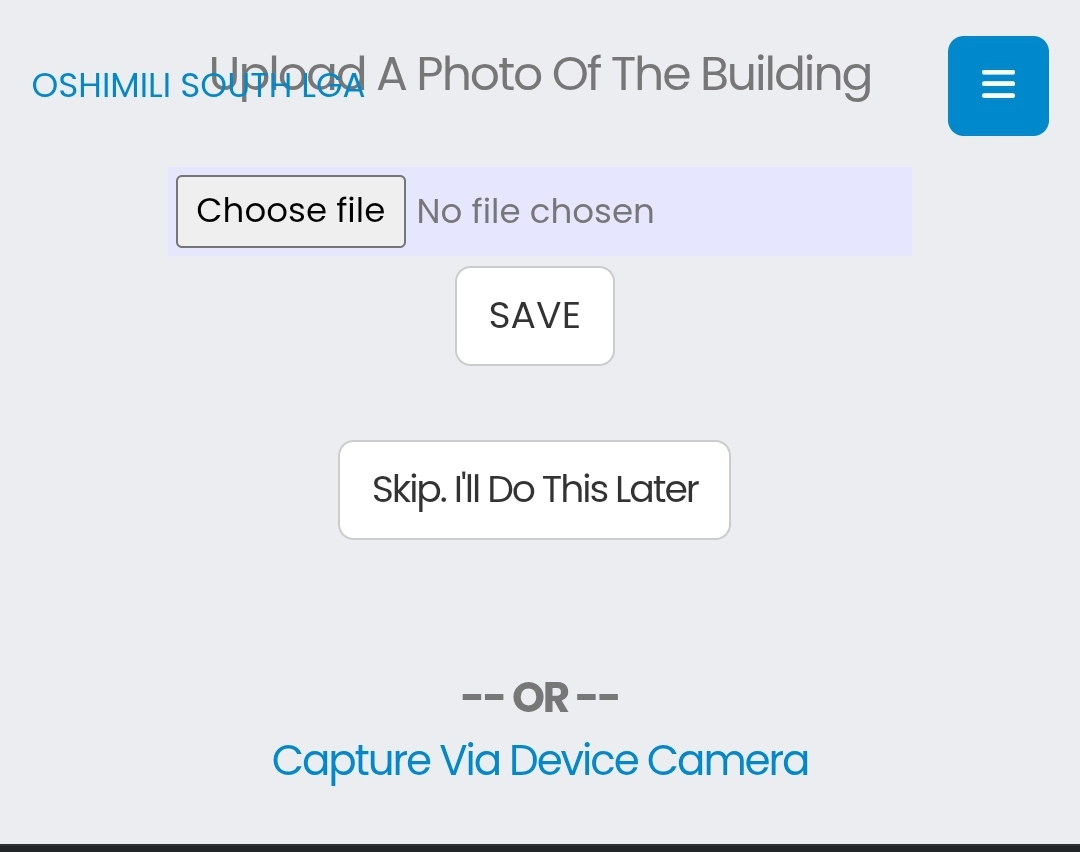
If you are using a smart phone, you can select the CAMERA and take the photo. Otherwise, upload from the MEDIA PICKER
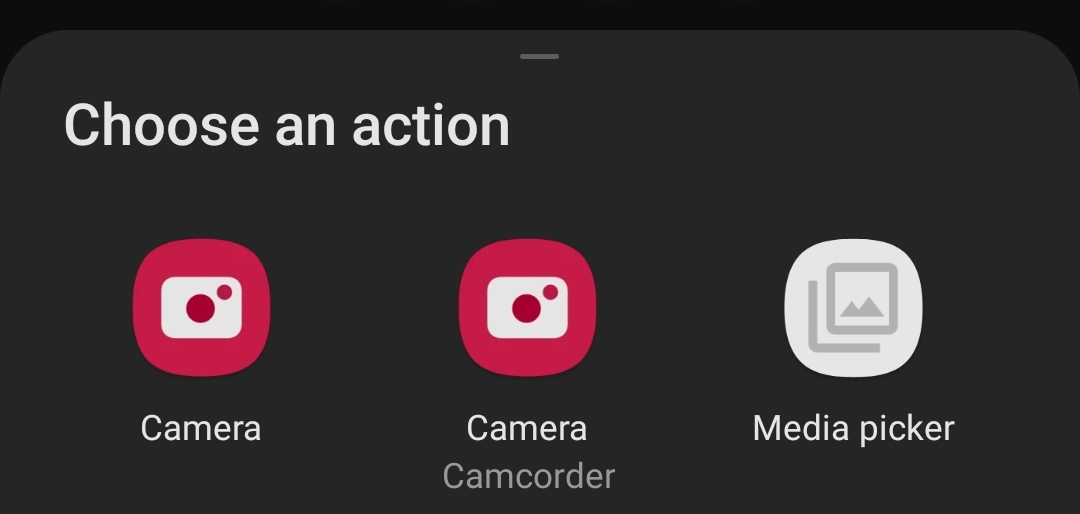
STEP 6. Submit photo.
The system will take you to the profile of the property you have just created.
Your next task would be to indicate if the owner has paid the Tenement rate for the past three years.
To do so...
STEP 7:
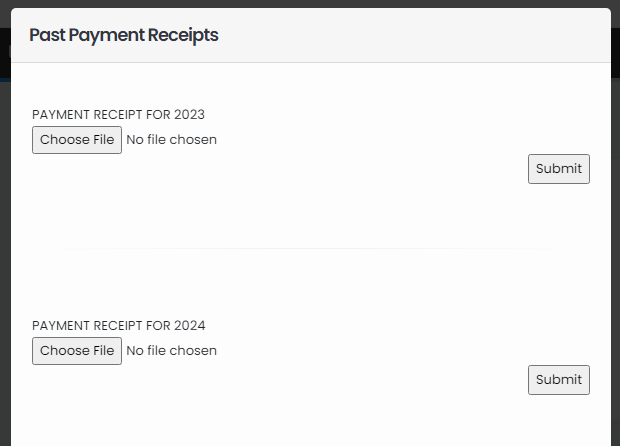
Click PAST PAYMENT RECEIPTS
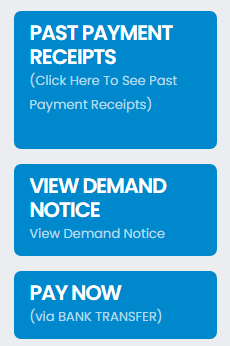
You are required to upload photos of the receipts (if the owner is able to present it).
You have now created a new property profile.
Next, we would be looking at HOW TO SEND A DEMAND NOTICE