CREATING ACCOUNTS
This would explain how to create accounts for new users

Hi.
We`re going to be looking at the steps via which an Admin can create accounts on the Tolaram Science App.
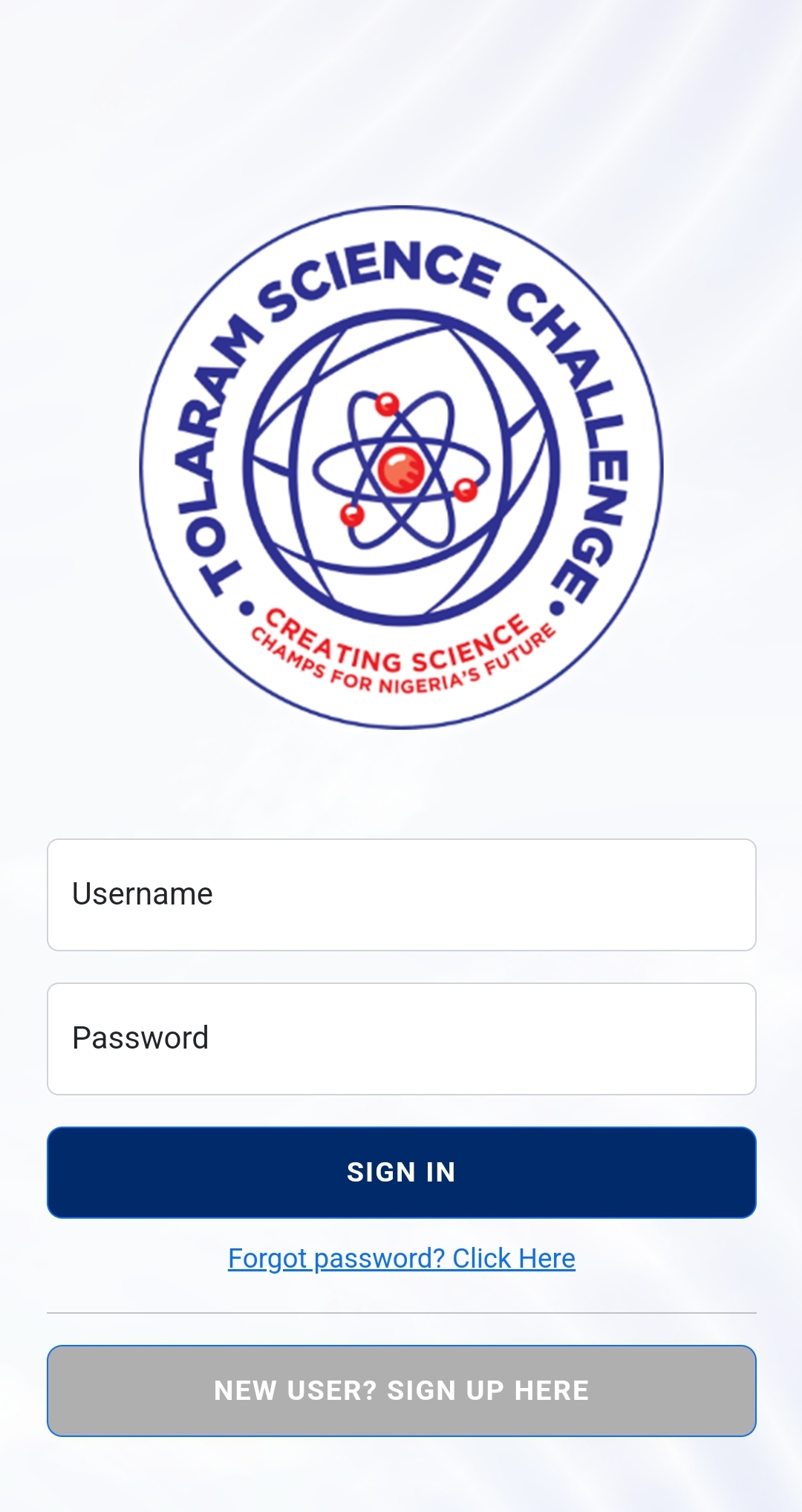
Step 1. Sign in as an administrator
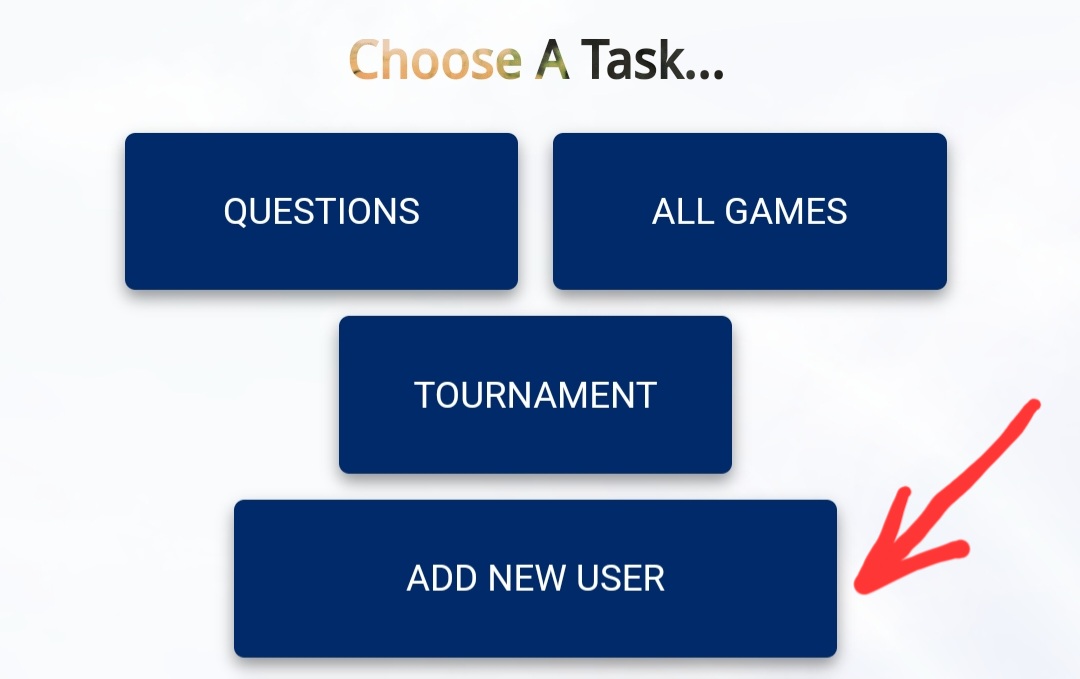
Step 2. Click ADD A NEW USER, as shown below.
Step 3. Fill the form, The name of the school, and their contact information.
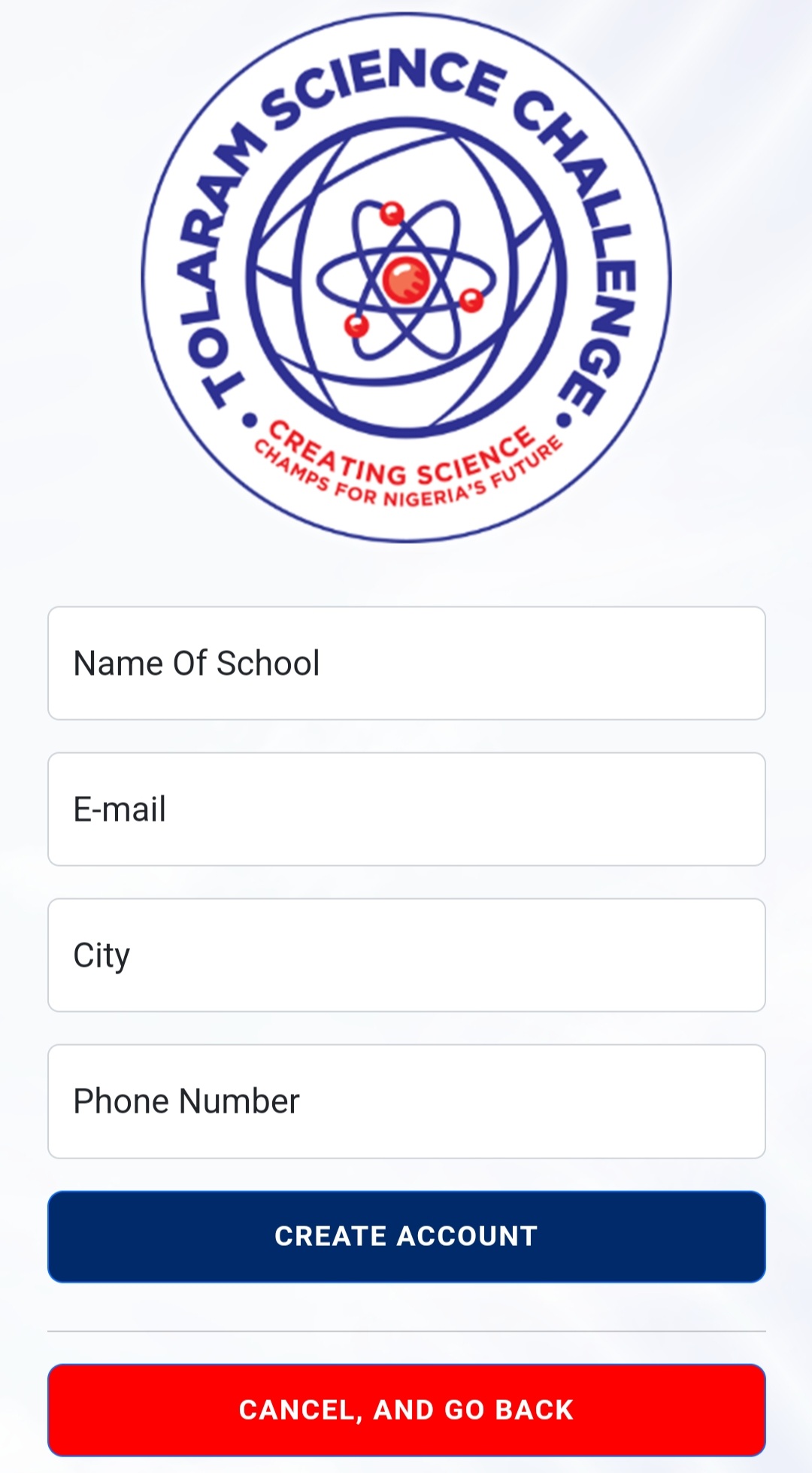
Step 4. Click CREATE ACCOUNT.
The school would be notified. Their login details would be sent to them via email and SMS, using the contact information filed in the form.
The representative of the school can then proceed to log in and update their profile photo.